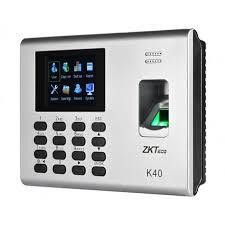
This content is about the user manual of ZKT K40/K14 digital attendance system.
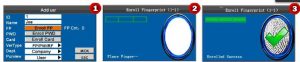
Enrolling Fingerprint of Staff
Enroll Password
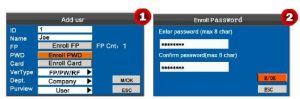
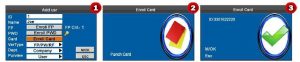
Enroll Card..
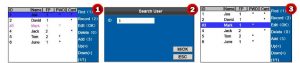
Editing/ Deleting Users
- Press M/OK Button 2-3 Seconds
- Press On Users
- Press on Users Mgt.
- Search ID by pressing F1
- Choose the users now you can edit or delete ( for edit press M/ok, for delete press 0