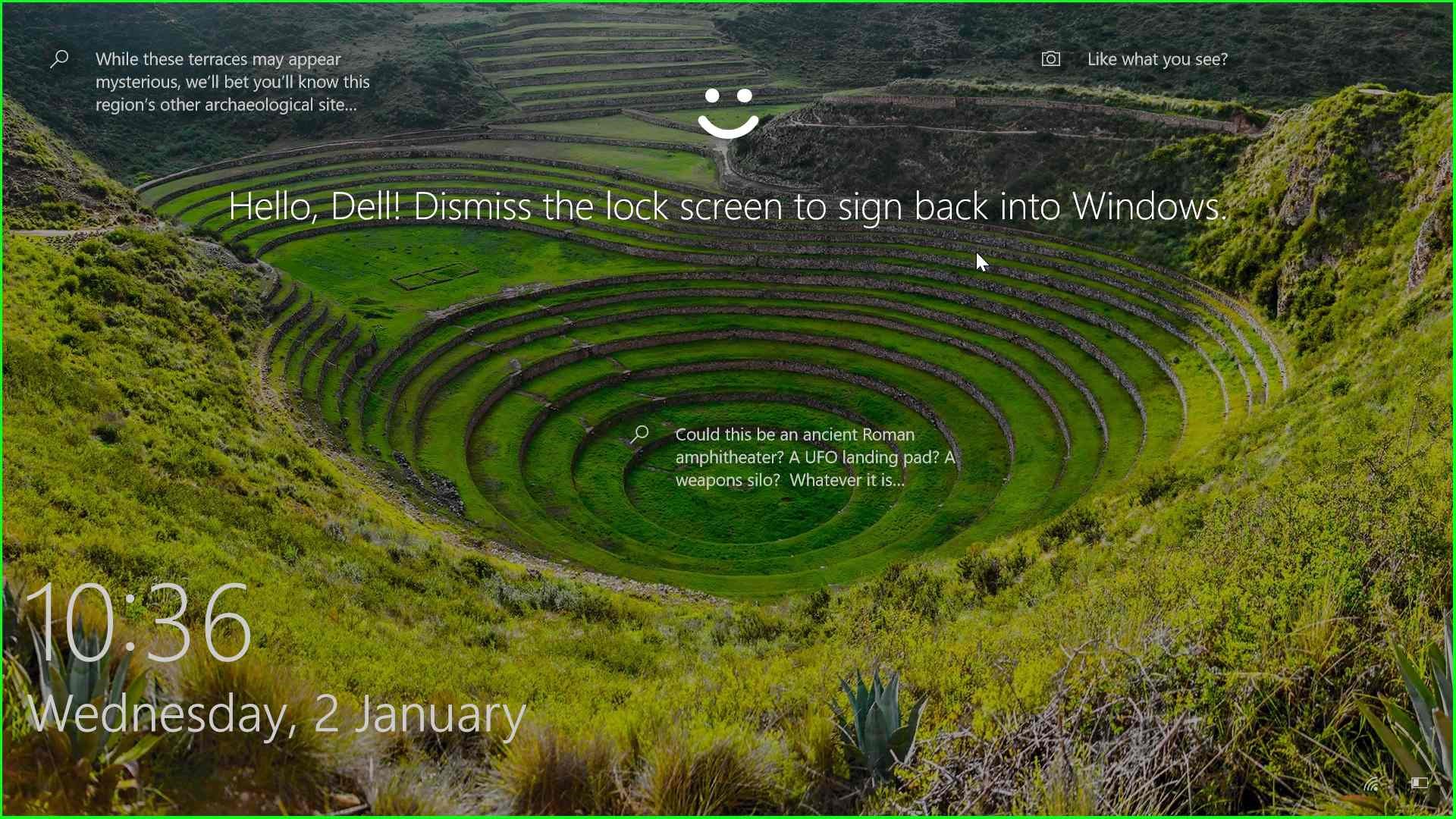
Face lock in your PC Windows 10 is a feature called Windows Hello that allows you to log in to your computer using your face. It uses a special camera that scans your face in infrared light to create a unique facial signature. Windows Hello then compares your facial signature to the one stored on your computer to verify your identity.
Steps for Face lock on your PC
Step 1: User left click on “Start (button)”

Step 2: User left click on “Start (button)”

Step 4: User left click on “Set up (button)” in “Set”


Step 5: User left click on “Get started (button)” in “Win”

Step 6: User keyboard input on “Windows Security (window)” in “Win” […]

Step 7: Place the your face your on proper position ”
Step 9: User left click on “Close Settings (button)” in “Set”

Step 9: User left click on “Close (button)” in “Win”

Step 11: User keyboard input on “Windows Default Lock Screen (window)” in “Win” […]